


Visual App Store screenshot editor
Type, frames, and captures sit on the slide. What you see is what App Store Connect and Google Play receive — at the pixels they accept.
Free App Store screenshot generator and device mockups
A free App Store screenshot maker for iPhone, iPad, and Android listings. Device mockups, every App Store Connect and Google Play size. 39 locales. The file stays on this device.
16 canvases·39 locales·local-first
On the canvas
Type, frames, and captures sit on the slide. What you see is what App Store Connect and Google Play receive — at the pixels they accept.
1320 × 2868
iPhone 6.9" — then every smaller slot as a clean downscale.
あAع
39 App Store locales. Arabic and Hebrew flip to RTL.
How it works
Open the App Snaps studio and drop iPhone, iPad, or Android screenshots onto a slide.
Pick a device canvas, write the store headline, and place the frame. Switch locales without duplicating the deck.
Download a ZIP sized for App Store Connect and Google Play Console — one pass per language.
Screenshot templates
Palettes from the studio, written up so you can preview them before you open a project.
App Store and Google Play screenshot sizes
Design once at the largest accepted canvas. App Snaps exports the rest — 6.9" iPhone covers 6.5", 6.3", and 6.1".

1320 × 2868
6.9" 1320×2868 · 6.5" 1284×2778 · 6.3" 1206×2622 · 6.1" 1125×2436

2064 × 2752
13" 2064×2752 · 12.9" iPad Pro 2048×2732
1080 × 1920
1080×1920
1600 × 2560
7" 1200×1920 · 10" 1600×2560
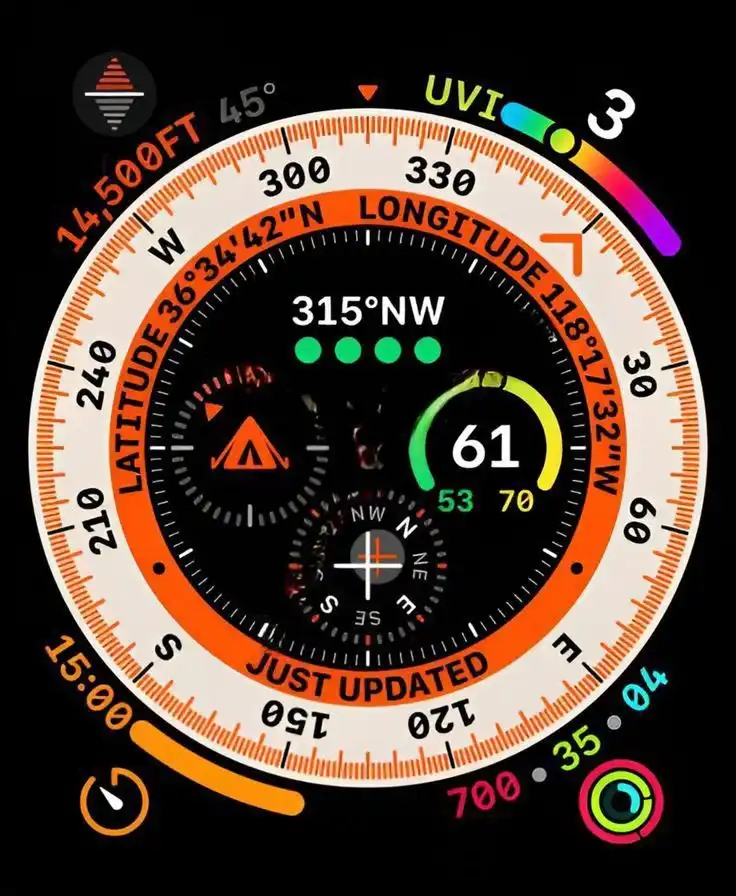
422 × 514
Ultra 422×514 down to Series 3 312×390
2007 × 2853
Outer 1398×2034 · Inner 2007×2853 · landscape pair

3840 × 2160
4K 3840×2160 · HD 1920×1080
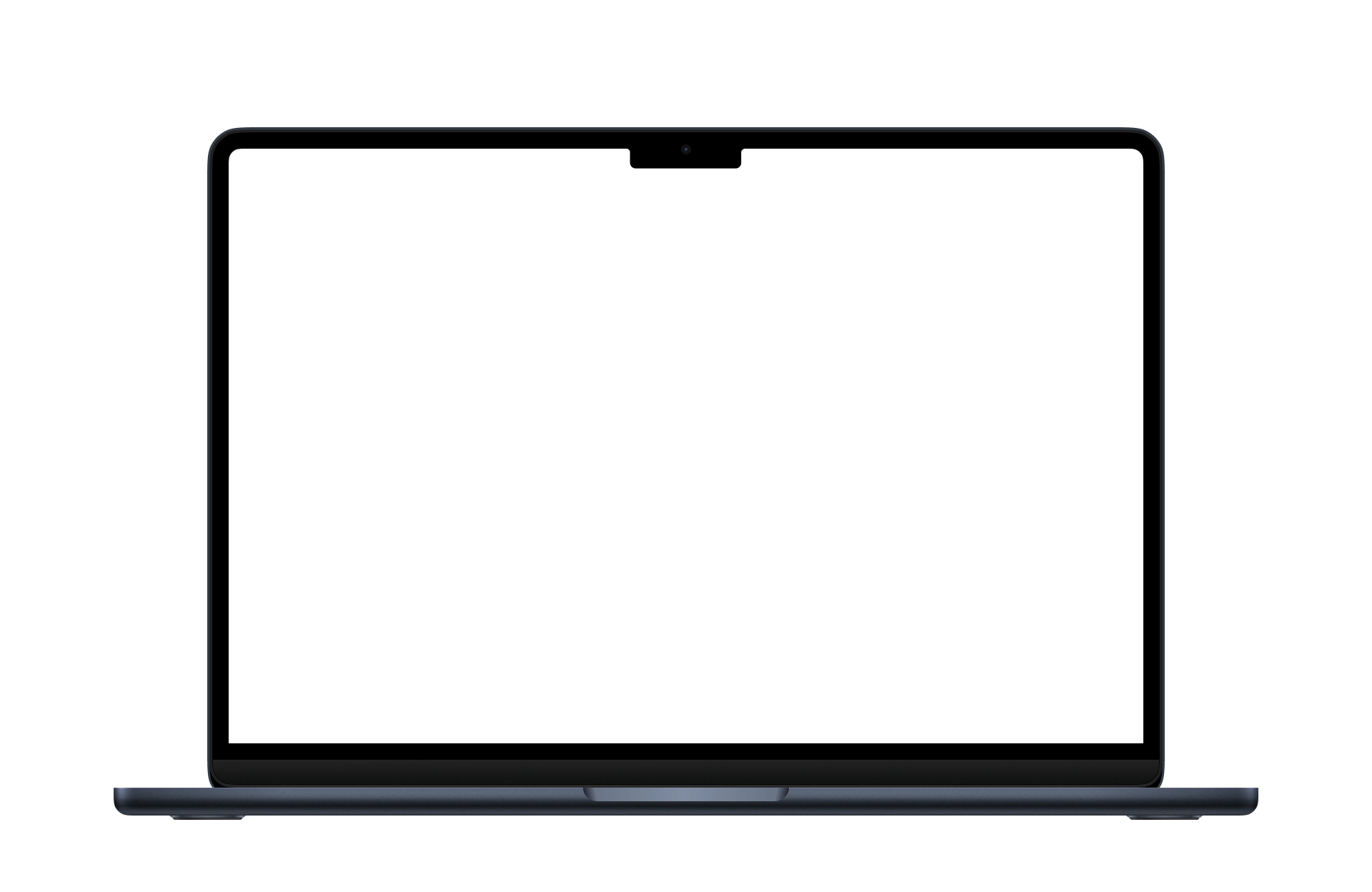
2880 × 1800
2880×1800 (16:10)
2868 × 1320
6.9"–6.1" iPhone landscape slots
1024 × 500
1024×500
Also exported: iPhone 1284×2778, 1206×2622, 1125×2436 · iPad Pro 2048×2732 · Android 7" 1200×1920 · Watch Series sizes down to 312×390 · tvOS HD 1920×1080. Full size reference
ASO localization
Meet your app.
アプリに会う。
تعرّف على تطبيقك.
Deine App, im Rahmen.
FAQ
App Snaps is a free browser-based App Store screenshot generator for iOS and Android. You compose store listings in a visual editor, then export every size Apple App Store Connect and Google Play Console accept.
Yes. App Snaps runs in your browser with no account and no watermark on exports. Projects stay on your device until you download them.
App Store Connect currently accepts 6.9" iPhone screenshots at 1320×2868, plus 6.5" 1284×2778, 6.3" 1206×2622, and 6.1" 1125×2436. App Snaps designs at the 6.9" canvas and exports the smaller slots as downscales.
iPad exports include 13" 2064×2752 and 12.9" iPad Pro 2048×2732. Google Play phone shots are 1080×1920; 7" and 10" tablets are 1200×1920 and 1600×2560. The Play feature graphic is 1024×500.
iPhone, iPad, iPhone Duo, Android phones and tablets, Apple Watch, Apple TV, Mac, CarPlay, plus Google Play feature graphics and Apple custom product pages. Each canvas exports the pixel sizes those stores currently require.
Yes. App Snaps includes 39 store locales, including right-to-left Arabic and Hebrew. Each language keeps its own captions so you can export a full ASO set in one pass.
No. The studio is local-first. Decks are stored in this browser. Export a backup ZIP if you want the same project on another machine.
Open a project, pick the device, and export a ZIP. Files are named and sized for App Store Connect and Google Play — including 6.9" iPhone, 13" iPad, and Play feature graphics.
It is built for store listings, not general design. Device frames, required pixel sizes, locales, and zip export are already on the canvas, so you skip the production file.
No. Editing and export happen in your browser. App Snaps is a static web app; your images do not leave the device unless you download them.
Open the App Snaps studio (a free App Store screenshot generator), drop captures onto a slide, pick an iPhone, iPad, or Android canvas, then export a ZIP sized for App Store Connect or Play Console.
A device frame around your listing shot — iPhone, iPad, Watch, Mac, or a drawn Android bezel — so the store image looks like the product. App Snaps includes those mockups on the canvas.
Yes. Phone shots are 1080×1920, tablets are 1200×1920 and 1600×2560, and the Google Play feature graphic is 1024×500. Each is its own canvas in the studio.